
Card fit
Compare online payments, card details and subscriptions before applying.
Card guide
Compare online payments, card details and subscriptions in the app before choosing a virtual or physical card.
Compare online payments, card details and subscriptions before applying.
Check issue fee, limits, activation and merchant use.
Try a small checkout before relying on the card.
Step-by-step
Confirm verification status before choosing a card.
Compare virtual and physical card use, fee and delivery needs.
Check issue fee, FX, ATM and network costs in the current app.
Apply only after card fee and limits are clear.
Start with a small merchant payment before regular use.
Card guide
Start with online payments, card details, subscriptions and security on the live screen in your account. Virtual and physical cards have different fee, delivery and activation steps.
This keeps the decision practical for India users. Choose the card type only after the use case and cost are clear.
Card guide
virtual card setup depends on card type, issue fee, activation, billing address and merchant acceptance, not only the apply button.
For virtual card setup, check issue fee, activation, billing address and first merchant use before the card decision.
Card guide
The virtual card page should answer whether online use makes sense: card details, 3DS, subscriptions, ads, billing address and merchant acceptance.
It should not be mixed with physical delivery or ATM use. If you need offline POS, delivery tracking or ATM withdrawal, the physical card page is the better next step.
Card guide
Choose the virtual card page when your main use is online checkout, app subscriptions, ad platforms or a merchant form that asks for card details. The decision is about card number access, 3DS behaviour, billing address and whether a small payment can prove acceptance without waiting for physical delivery.
Do not use this page to judge ATM cash withdrawal or offline POS use. Those depend on physical-card delivery, activation and local machine rules. For an India user, the safer sequence is virtual card for low-risk online testing, then physical card only if offline use is worth the larger fee.
Card guide
Before regular online payments, save the card issue-fee screen, first merchant approval, 3DS prompt result, refund policy and the exact currency charged. These records make it easier to separate a merchant decline from a RedotPay account issue.
If a subscription renews monthly, set a reminder for the renewal date and keep enough balance for fees, FX and merchant retry behaviour. Small recurring charges can fail for a different reason than a one-time test payment.
Card table
| Card choice | Why it matters | Before apply |
|---|---|---|
| online payments | Card access can depend on verification. | Clear KYC first. |
| card details | Virtual and physical cards solve different needs. | Compare the use case. |
| subscriptions | Issue, FX, ATM and network costs affect value. | Read the live fee screen. |
| security | Merchant rules can still decline checkout. | Test a small payment. |
Common questions
Card choices for RedotPay virtual card setup depend on card type, fee screen, KYC and first-use fit.
Card use se pehle virtual/physical option, KYC, fees, billing address, 3DS aur merchant acceptance check karo.
Virtual card ke liye KYC, card fee, card availability aur online merchant acceptance app mein confirm karo.
Compare online payments, fees and activation before applying.
Compare card details, fees and activation before applying.
Compare subscriptions, fees and activation before applying.
Next useful pages
For RedotPay virtual card setup, compare KYC, fees and card type before applying.
Card fee code
Virtual card ke liye VIRTUAL20, physical card ke liye PHYSICAL20. Final amount app screen par confirm karo before payment.
Before checkout
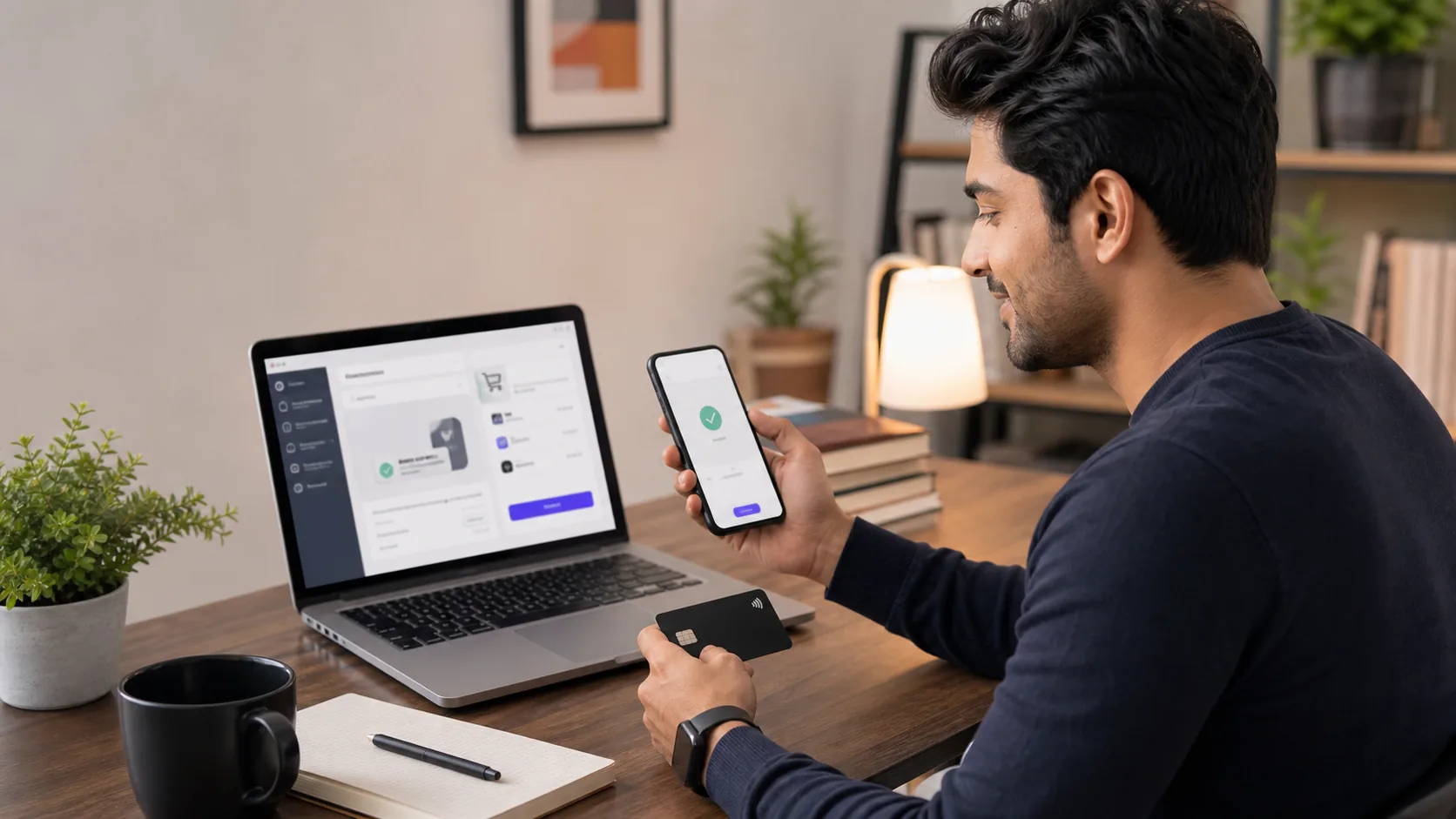
Compare online payments, card details and subscriptions in the app before choosing a virtual or physical card.
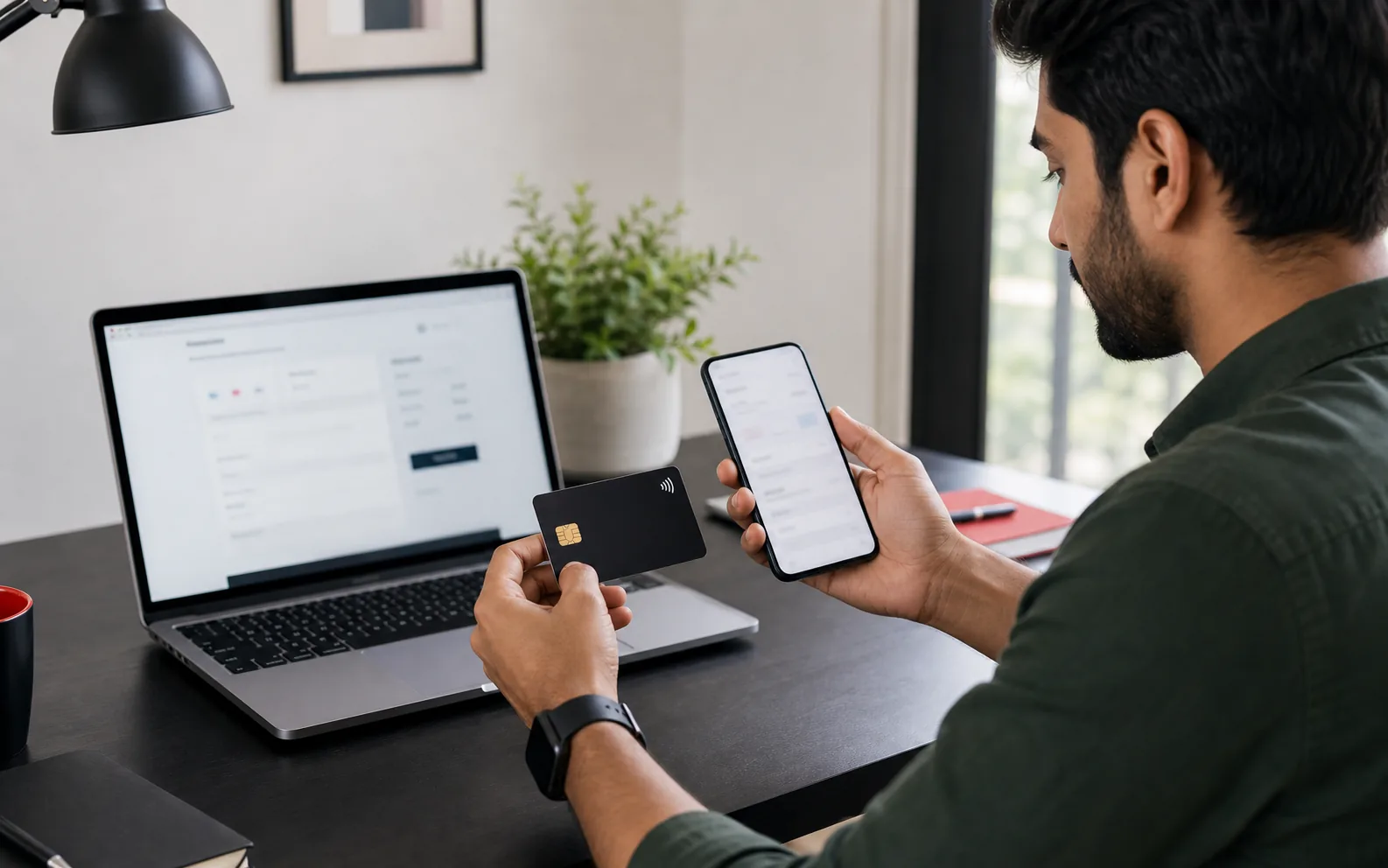
For virtual card setup, compare card type, KYC, fee and activation before applying.
Card links
Official card checks
Use official sources to confirm virtual card setup, card fees and availability.
FAQ
Check virtual card availability. KYC, card type, issue fee, billing address and first payment use case should be clear before applying.
Virtual card is usually for online use; physical card adds delivery, activation and ATM checks. Compare both in the current app.
Review online merchant and 3DS needs. Check the live RedotPay fee screen because issue fee, FX, ATM and network costs can change.
Card use se pehle virtual/physical option, KYC, fees, billing address, 3DS aur merchant acceptance check karo.
Virtual card ke liye KYC, card fee, card availability aur online merchant acceptance app mein confirm karo.
For virtual card setup, compare online payments, card details, subscriptions and security, KYC status, issue fee, virtual/physical fit, activation and first merchant use.
No. Merchant category, prepaid-card rules, 3DS, billing country and card status can still affect acceptance.
Before applying
For RedotPay virtual card India, choose virtual or physical card only after KYC, fees, activation and merchant use case are clear.